What is an Hdmi Interface and How Does it Work?
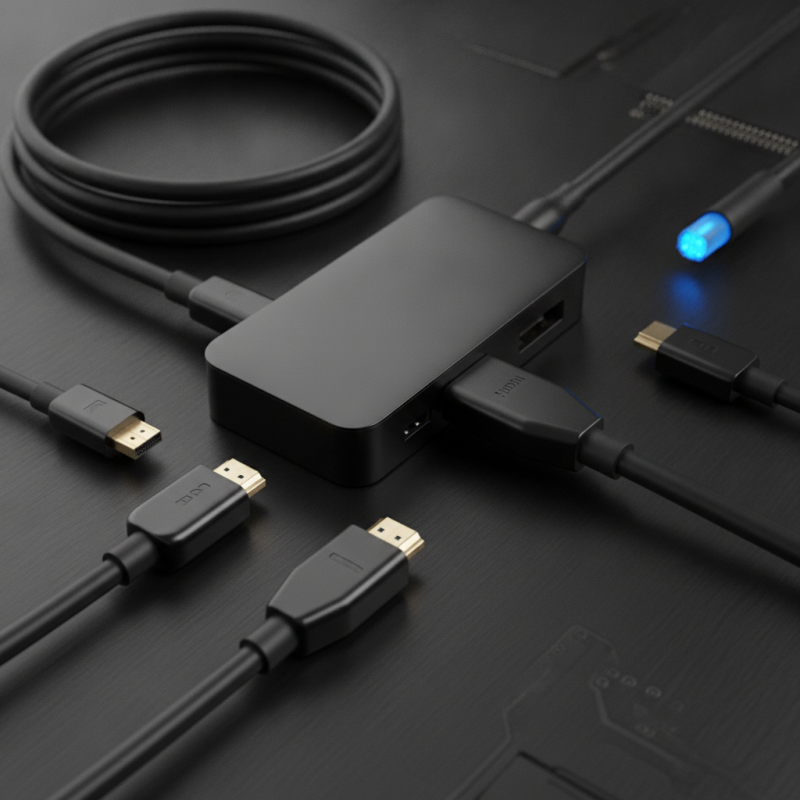
The HDMI interface has become a standard in modern electronics, connecting devices seamlessly. This high-definition multimedia interface transmits audio and video data through a single cable. With widespread use, understanding its function is crucial for users.
Many people rely on the HDMI interface daily, from gaming consoles to televisions. It supports various resolutions, making it versatile for different devices. However, not everyone knows its full capabilities or potential limitations, such as compatibility issues with older equipment.
Despite its advantages, problems can arise unexpectedly. For instance, signal degradation may occur over long distances. Additionally, users might struggle with various HDMI versions and features. Understanding the HDMI interface helps minimize these challenges and enhances your viewing experience.
What is an HDMI Interface?
HDMI, or High-Definition Multimedia Interface, is a crucial technology in modern audio-visual systems. It transmits high-quality video and audio through a single cable. Unlike older interfaces, HDMI supports both standard and high-definition video, providing a seamless experience. According to a 2021 report by the Consumer Technology Association, 72% of U.S. households use HDMI-equipped devices for entertainment. This statistic highlights the reliance on this interface in achieving optimal visual experiences.
The design of HDMI allows it to support various audio formats. For example, it can carry Dolby TrueHD and DTS-HD Master Audio signals. This capability enhances the immersion in movies and music. A key feature of HDMI is its ability to transmit 4K video at 60 frames per second. However, not all cables support these high bandwidth levels. Users may encounter issues if they use older HDMI cables that cannot handle the data rates required for 4K resolution.
Despite its advantages, HDMI can be complicated. Many users are confused by different versions of HDMI, such as 2.0 and 2.1. These versions have distinct features and bandwidth capacities. Misunderstandings can lead to subpar performance. To ensure the best results, consumers should verify the specifics of their devices. This can prevent frustration and enhance user experience. Achieving the full potential of HDMI requires attention to details and compatibility checks.
History and Evolution of HDMI Technology
The development of HDMI technology has a rich history, spanning over two decades. It emerged in the early 2000s as a response to the growing demand for high-quality digital video and audio transmission. Initially, the need for a single, compact interface grew more pressing as home entertainment systems became more complex. HDMI provided a solution by integrating multiple interface types into one connection. This was a significant leap forward in simplifying setups and improving user experience.
As HDMI evolved, it introduced several versions, each bringing enhancements that improved performance and resolution. The ability to support 4K resolution and even higher refresh rates marked critical advancements in the technology. However, not all technologies kept pace. Some earlier devices required multiple connections, leading to clutter and confusion. HDMI's adaptability allowed it to thrive, but challenges remained in ensuring backward compatibility with older models. This constant balancing act reflects the ongoing struggles within tech innovations.
HDMI also saw the introduction of innovative features like CEC (Consumer Electronics Control) and ARC (Audio Return Channel). While these features added convenience, they sometimes led to interoperability issues. Users often found themselves wrestling with malfunctioning settings and occasional incompatibility. This highlights an aspect of technology that can be frustrating: rapid advancements can leave some users behind, requiring more education and adjustments as new features emerge.
What is an Hdmi Interface and How Does it Work? - History and Evolution of HDMI Technology
| Version |
Release Year |
Max Resolution |
Key Features |
| HDMI 1.0 |
2003 |
1080p |
Single-link connection, 5 Gbps bandwidth |
| HDMI 1.4 |
2009 |
4K at 30 Hz |
Ethernet channel, 3D support |
| HDMI 2.0 |
2013 |
4K at 60 Hz |
Increased bandwidth, support for dual video streams |
| HDMI 2.1 |
2017 |
8K at 60 Hz |
Dynamic HDR, enhanced audio return channel (eARC) |
How HDMI Works: The Technical Mechanism
HDMI, or High-Definition Multimedia Interface, is a crucial technology in modern digital communication. It serves as the primary interface for transmitting uncompressed video and audio signals between devices. The signal is transmitted through a cable, designed to carry high-bandwidth digital content. According to a report from the Consumer Technology Association, HDMI accounted for about 93% of digital display connections in 2021. This dominance highlights its importance in the audiovisual landscape.
The technical mechanism of HDMI involves several layers. It utilizes a protocol called TMDS (Transition Minimized Differential Signaling) to ensure efficient data transfer. TMDS compresses the video and audio signals, which allows for faster transmission rates while minimizing the risk of interference. Additionally, HDMI supports various data rates, reaching up to 48 Gbps with HDMI 2.1. This capacity accommodates high resolutions, including 8K video. However, challenges still exist, such as device compatibility and cable quality. Users often encounter issues with cable length affecting performance.
Furthermore, HDMI’s CEC (Consumer Electronics Control) feature adds to its complexity. This allows devices to communicate and control each other on a single remote. Yet, it's not always reliable and can lead to device confusion. In terms of adaptability, HDMI has evolved but may require further iterations to meet the demands of emerging technologies like 8K and VR. Balancing speed, quality, and compatibility remains an ongoing challenge in the HDMI ecosystem.
HDMI Bandwidth Comparison by Version
This chart illustrates the bandwidth capabilities of different HDMI versions. Higher bandwidth allows for better video resolution and refresh rates, enhancing the overall viewing experience.
Types of HDMI Cables and Connectors
When exploring HDMI cables and connectors, it’s essential to understand their types and functions. HDMI, or High-Definition Multimedia Interface, comes in several forms. Each is designed for specific uses, ensuring compatibility across various devices. There are standard HDMI cables, designed for basic high-def signals, and premium cables meant for advanced features like 4K or 3D support.
Connectors also vary. The standard Type A connector is the most common. Type C is smaller, often used in portable devices. Meanwhile, Type D, known as the micro HDMI, connects even smaller devices. Many users overlook the importance of using the appropriate connector type, which can lead to connectivity issues. Not all cables support the latest HDMI features, so it is crucial to know what you need for your devices.
Be aware that cables are not always created equal. Even if a cable fits physically, it may not deliver the expected performance. This can cause frustration during setup. Understanding the specifications of each type can help you avoid these pitfalls. Pay attention to the ratings on the packaging. Knowledge of these types can lead to better choices and improved viewing experiences.
Common Applications and Benefits of HDMI
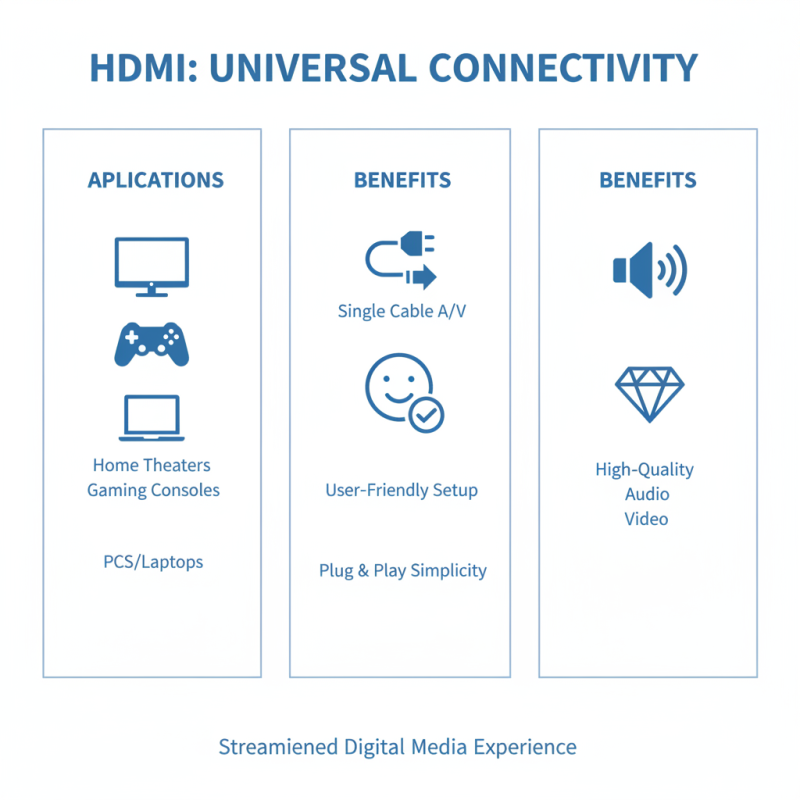
HDMI, or High-Definition Multimedia Interface, is integral in modern connections between devices. It enables the transmission of high-definition video and audio through a single cable. This simplicity fosters user-friendly experiences in entertainment systems, such as home theaters and gaming consoles. The plug-and-play nature of HDMI makes it easy to connect multiple devices without the hassle of complicated setups.
One significant application of HDMI is in televisions. Many consumers enjoy crystal-clear image quality and immersive audio. Additionally, HDMI supports various video formats, from standard to ultra-high definition. For professional use, HDMI is essential in presentations and media production, enhancing visual aspects significantly. A downside is that not all older devices support HDMI, limiting interoperability in some setups. Still, the transition towards HDMI is apparent in newer models.
Another common use is in computers and laptops. Users often connect their devices to larger screens. HDMI allows for seamless mirroring and extended displays. However, users may occasionally face issues like cable compatibility or signal loss. These challenges highlight the need for awareness in choosing the right equipment. Overall, HDMI offers remarkable benefits while presenting some considerations for effective use.
 008613968780263

 CONTACT NUMBER
 CONTACT